Back to blog
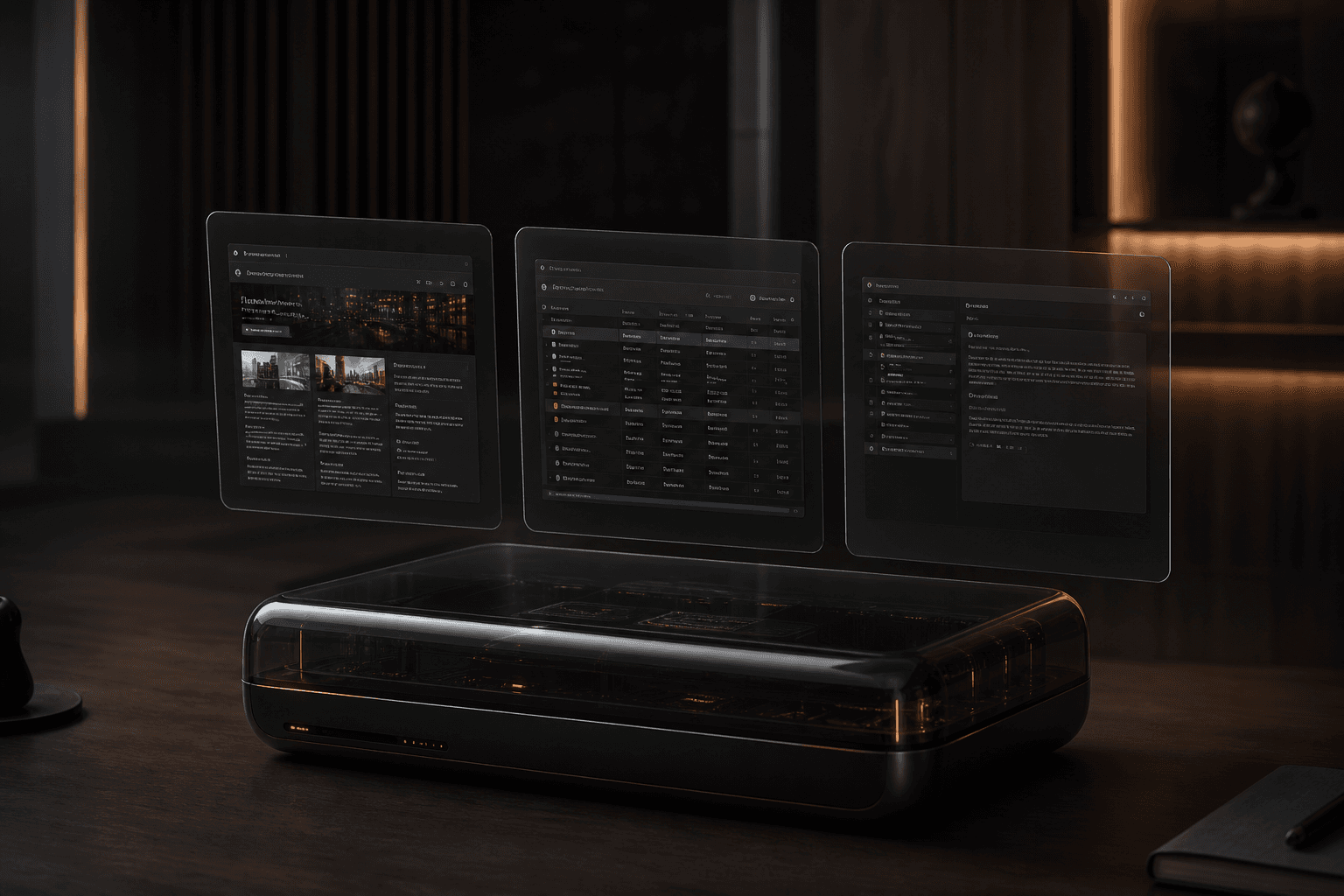

Starter Grok Bot roles from xAI's use-case catalog

12 min read
Grok Bot: xAI's AI teammates with a computer of their own
A practical guide to Grok Bot—persistent AI teammates that work on a shared cloud computer, hand off tasks, learn routines, and stop when they need your approval.
Grok Bot is a teammate you can actually give work to
A year of AI assistants trained people to treat models like search boxes with extra steps. You paste context, hope the reply is useful, then copy the result into Slack, Salesforce, or a spreadsheet yourself. Grok Bot is built for the opposite job. According to xAI’s product docs, Bots are AI teammates you can give real work to. They can sign into apps and websites the way you do, on a persistent cloud computer. They collaborate independently, pass context between each other, and finish jobs end to end—coming back only when something needs your approval.
You work with a Bot by messaging it like a coworker. Give it a task, the relevant context, and access to the tools or files it needs. In the docs and in the Grok Bot app, a Bot means a single persistent, named agent: one AI teammate, not a disposable chat thread.
That distinction matters for product teams. Chatbots reset. Teammates accumulate. Named Bots keep memory, files, browser sessions, and preferences across turns. If Grok 4.6 is the model that stays with a long trajectory, Grok Bot is the workplace where that model actually does the work—in Salesforce, Slack, analytics dashboards, staging environments, and the rest of the messy stack startups already live in.
You do not design a flowchart first. You create a Bot, message it, and grant access as needed. The same Bot is reachable from the desktop app and iOS. Grok Bot currently requires SuperGrok Heavy, Cursor Ultra, or Cursor Teams Premium, plus the desktop app for macOS or Windows. It is not currently a Linux desktop app. Accounts on Legacy Privacy Mode must move to a supported Cursor data setting before a Bot can start.
What makes Grok Bot different from a chatbot
xAI lists five differences that separate Grok Bot from a typical assistant.
First, it has a computer of its own. Each Bot runs on a persistent cloud VM with a browser, filesystem, and terminal. It can use connectors and MCP where those exist, and computer use for apps and websites that have no clean API. Work finishes in the real tools rather than as chat drafts you still have to paste somewhere.
Second, it is easy to get started. Create a Bot, message it, grant access. Focused Bots build more useful context than one catch-all helper. xAI’s example is Piper, a product-performance Bot that investigates questions in observability tools, preserves links and screenshots, separates evidence from hypotheses, and never changes production settings. A job such as General Helper gives the Bot less guidance and makes saved context harder to reuse.
Third, Bots coordinate independently. Multiple Bots share one user-scoped computer and can run in parallel. They can message each other, share context in threads or group chats, and pass ownership so you are not the router between tools. A Website Launch group might include a launch coordinator, a content editor, and an analytics reviewer.
Fourth, a Bot can learn workflows from live demonstration. When Teach a task is available, you describe the result, perform the workflow once, and the Bot persists that path as a skill. Teaching records visible computer interaction for up to ten minutes. It does not record microphone audio. The learned skill is a draft: you still add decision rules, failure handling, and approval boundaries.
Fifth, it is a persistent, named teammate with durable state. An account can have up to 50 Bots and group chats combined. Duplicate a Bot when you want the same role with a different scope—one Account Health Bot per region, for example. The copy carries profile, skills, and routines, but not conversation history or learned memory.
Every Bot shares one persistent cloud computer
All of your Bots use the same persistent cloud computer. They share files, browser sessions, and app logins, which makes handoffs possible without repeating setup. The computer is isolated to your account, not to an individual Bot. Treat a login or file placed on the computer as available to all of your Bots.
That is a feature and a security warning at the same time. Do not use separate Bots as a security boundary. Each Bot gets its own screen, so several Bots can use browser and desktop tools in parallel, but those screens are separate work surfaces, not separate trust zones. One Bot can run only one computer-use task on its screen at a time.
You can open Agent Computer from a conversation to watch clicks, typing, navigation, and status. Closing the Grok Bot app or your laptop does not stop cloud work. When the Bot hits a password, passkey, two-factor code, CAPTCHA, or payment check, it should ask you to take over. Complete only the blocked step, then return control. Do not paste passwords or one-time codes into ordinary chat.
Connectors, shown as Plugins, give a structured path into supported services. Prefer a connector when one exists. Use the browser for services without a connector or for visual workflows an API does not expose. Installed connectors are account-wide. Durable project files belong in /workspace. The Grok Bot cloud computer is separate from the Mac or Windows machine in front of you. Local commands default to Ask every time. Use Never allowed unless a Bot has a specific reason to touch local files.
How to get started and write a first handoff that works
Install the desktop app from the Grok Bot access page, sign in with Cursor, and create your first Bot from Meet a future teammate or Create your own. Give it a short name, one primary job, and a description of how it should work. Then hand it a real task.
xAI’s template for a strong request has five parts: outcome, sources, constraints, deliverable, and review point. What should be finished? Which apps, websites, files, or conversations matter? What must the Bot avoid or ask before doing? What should it return? When should it stop for you?
A good first handoff involves multiple tools and a clear result. xAI’s example is a sales research job: pull this week’s Strategic Prospects list from Salesforce, skip anyone already in a sequence, research the top five accounts across the web, Slack, Databricks, and Sumble, pull contacts, draft LinkedIn and email in your voice, and leave drafts to approve by tomorrow morning. That prompt tells the Bot what to do, where to work, what context to pull, and what finished looks like.
For a five-minute first result that needs no login, attach a document and ask for a structured summary with dates, decisions, open questions, and citations. Then try a task in one of your tools: open an analytics dashboard, compare activation week over week, and draft an investigation plan with links. Do not change dashboards.
When the Bot reaches an authenticated app, take over the computer, complete the sensitive step, and hand control back. Review the result. Name lasting preferences explicitly, then save a stable process as a skill or routine. The desktop composer accepts up to six attachments at a time. For consequential work, ask the Bot to separate facts, assumptions, completed actions, actions waiting for approval, and unresolved questions. A strong result is independently reviewable: source links, screenshots, timestamps, and a short action log.
Roles that own an outcome, not a pile of questions
The best Grok Bot roles own a repeatable outcome, not a loose category of questions. Start with read-and-prepare work, review the result, then add approved actions or a routine.
Sales Outbound owns account research, contact prioritization, and review-ready outreach. Talent Scout owns sourcing and outreach drafts without contacting anyone until you approve. Paid Media owns campaign monitoring and budget recommendations without changing budgets. Expense Manager owns weekly reconciliation and missing-information follow-up. Product Performance owns targeted investigations with evidence—never unsupervised production changes. Bug Reproduction turns reports into staging packs with a fresh test account. Account Health ranks risk and expansion signals. Chief of Staff produces a source-linked digest of what changed and what needs a decision.
The pattern is the same across roles. Put the job, source systems, output format, and standing boundaries in the Bot description. Run one real task with a safe scope. Correct the result until it is reviewable. Save the process as a skill. Test it on a second input. Create a routine only when retries and failure cases are defined. Keep consequential external actions behind approval.
Create a separate Bot when the work has a distinct goal, set of tools, working style, approval boundary, or recurring schedule. Use the description for rules that should remain true. Use the conversation for task-specific instructions. Memory helps a Bot keep a role over time, but it is not a substitute for an authoritative source.
In a group chat, two to six Bots can share one outcome. Direct a message with @ when one teammate owns the request. Ask for a single owner at each stage. Too many parallel handoffs create duplicate work and noisy updates.
| Role | Owns | Stop before |
|---|---|---|
| Sales Outbound | Account research and outreach drafts | Sending or enrolling anyone |
| Talent Scout | Sourcing, research, and outreach drafts | Contacting candidates |
| Paid Media | Spend monitoring and budget recommendations | Changing budgets |
| Product Performance | Investigations with evidence and links | Changing production settings |
| Bug Reproduction | Staging repro packs and test cases | Using production customer data |
| Chief of Staff | Source-linked digest of decisions needed | Sending messages or changing meetings |
Skills, routines, and teaching by demonstration
Grok Bot uses two building blocks for repeatable work. A skill is a reusable set of instructions for how to do a task. A routine tells one Bot when to run a workflow—on a schedule or, where supported, after an event. Start with a one-time task. Make it reliable. Save the method as a skill. Only then automate it.
A useful skill states when to use it, required inputs and access, the sequence of work, how to validate the result, what to return, and what requires approval. Type / in the desktop composer to reference a saved skill; use @ for Bots, groups, routines, and connectors.
Routines are how recurring work leaves your morning. Ask the owning Bot to run a skill on a schedule, in a specific time zone, against a current input source, with a clear approval boundary. If source data is unavailable, the Bot should report the failure instead of using old data. Cursor account integrations can start a routine from an event such as a Slack message or a GitHub notification. Define a narrow matching rule. Avoid broad listeners such as every new message.
Test before enabling. A test run performs real work. It can navigate websites, change files, and call connected tools. Use safe inputs and keep write actions behind approval. A Bot can own up to 50 routines. Deleting a routine is immediate and has no undo. Deleting a Bot also removes routines it owns. Hiding a Bot from the sidebar does not pause it. Design routines for trust: automate preparation before execution; draft and recommend first; require approval for sending, purchasing, deleting, publishing, or changing production systems.
Approvals, security, and the shared-computer boundary
Grok Bot is designed to complete work while keeping sensitive inputs and consequential actions under your control. An approval controls the proposed action. It does not reverse work already completed. Prefer explicit boundaries for sending messages, publishing content, purchases, deleting data, changing permissions, production changes, and accepting legal terms.
When an action needs approval, the conversation shows the proposed operation and its inputs. On desktop, Allow once lets the Bot continue; Deny blocks it; Always allow can save a matching rule. Do not approve an action whose target or effect you cannot identify.
When Auto Review is available, Grok Bot evaluates tool calls and computer actions before they run. Require Approval rules always stop matching actions. Always Allow rules let matching actions proceed only when automated review does not identify another reason to stop. If both match, Require Approval wins. Write narrow rules. Avoid broad rules such as allow everything in the browser. Auto Review is model-based and should complement least privilege, not replace it.
Enter passwords and verification codes yourself. A secure secret request for a supported connection is masked, excluded from the transcript, and not shown to the model. It is not a general-purpose password manager.
When a project or login should no longer be available, pause related routines, sign out of websites on the shared computer, uninstall connectors and revoke authorization in the source service, remove sensitive files from /workspace, and hide or delete Bots. Deleting a Bot does not remove shared-computer files or browser sessions. Connect only the tools a workflow needs. Start with read-only tasks and draft outputs. Review Cursor’s privacy policy and security documentation before granting access to sensitive systems.
What Grok Bot means for SaaS product teams
Model quality is necessary and not sufficient. Grok Bot’s product shape—named teammates, a shared computer, skills, routines, and approvals—is closer to how small SaaS teams already work than a blank chat window is. The teams that will get value are the ones that already know how to scope work.
Give each Bot one job the way you would give a contractor one job. Write the outcome, the sources, the non-goals, and the review point. Start with read-and-prepare work: research packs, reproduction steps, expense exceptions, account watch lists, campaign recommendations. Keep sending, publishing, purchasing, and production changes behind approval until the process is boringly reliable. Then save a skill. Then schedule a routine.
That sequence is the same discipline we recommend for MVP design. Vague prompts produce vague products. Better agents punish fuzzy scope because they will happily spend hours in the wrong system. Grok Bot will not replace product judgment, design critique, or a founder who knows which assumption to test this week. It will compress the distance between a well-specified job and a reviewable artifact.
If you already tried Grok 4.6 inside Cursor, Grok Bot is the next surface to evaluate: not whether the model can write code, but whether a named teammate can finish a real workflow in the tools your company already pays for. Read the overview at docs.x.ai/grok-bot/overview, start with one Bot and one safe task, and treat the first week as a scoping exercise. The computer is persistent. Your standards should be too.
Related articles
11 min read
Design Systems for AI Features: Primitives, Review States, and Shipping Velocity
AI features ship faster when design systems define the review contract first—primitives, tokens, and states—not when every squad invents its own sparkle button.
11 min read
Answer Engine Optimization for SaaS: Get Your Product Cited in AI Answers
SEO still matters—but buyers now ask AI assistants first. AEO is how you get your SaaS cited in those answers with pages models can quote accurately.